In this article, you’ll learn how to create products for online ordering. If you haven’t already, it’s best to set up menu categories first.
- Go to OtterOrder
- Select Catalog> Products
- Select Add Product
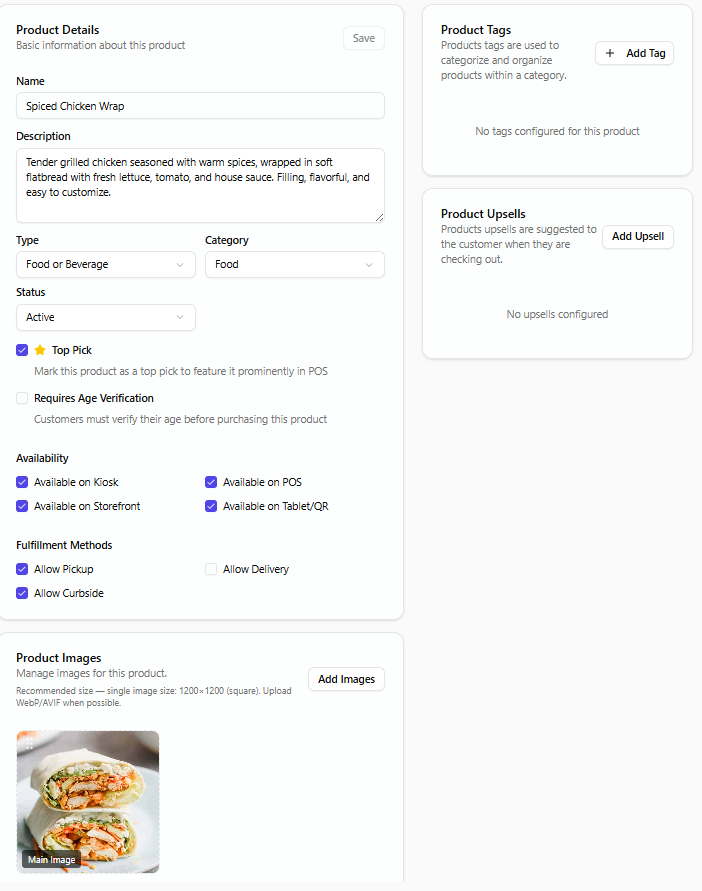
- Fill Name, description, product type, category.
- Select Availability and Fulfillment Methods
- Set Price
- Add Dietary and Allergen labels