
Creating your OtterOrder account
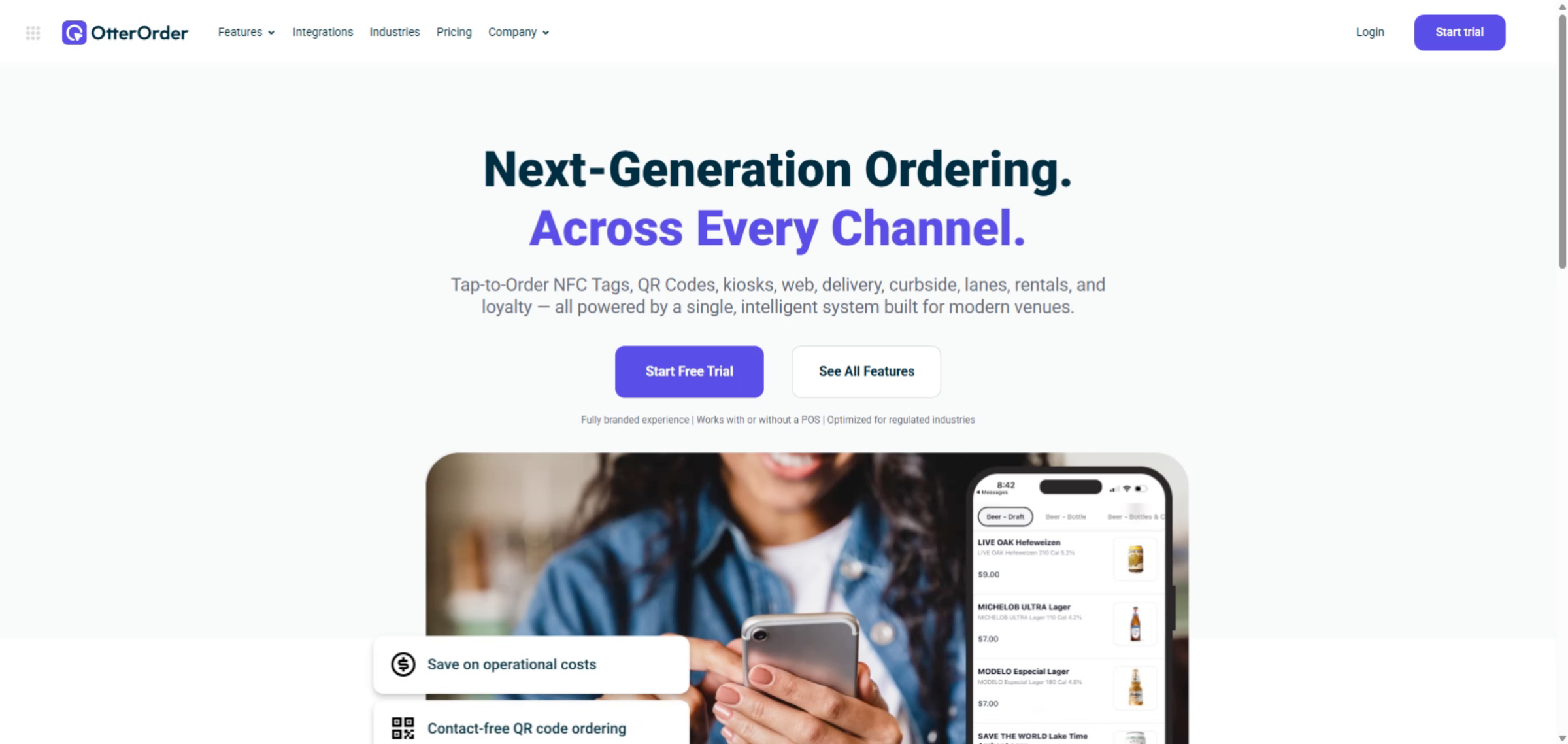
To sign up with OtterOrder first go to otterorder.com then click on Start trial.
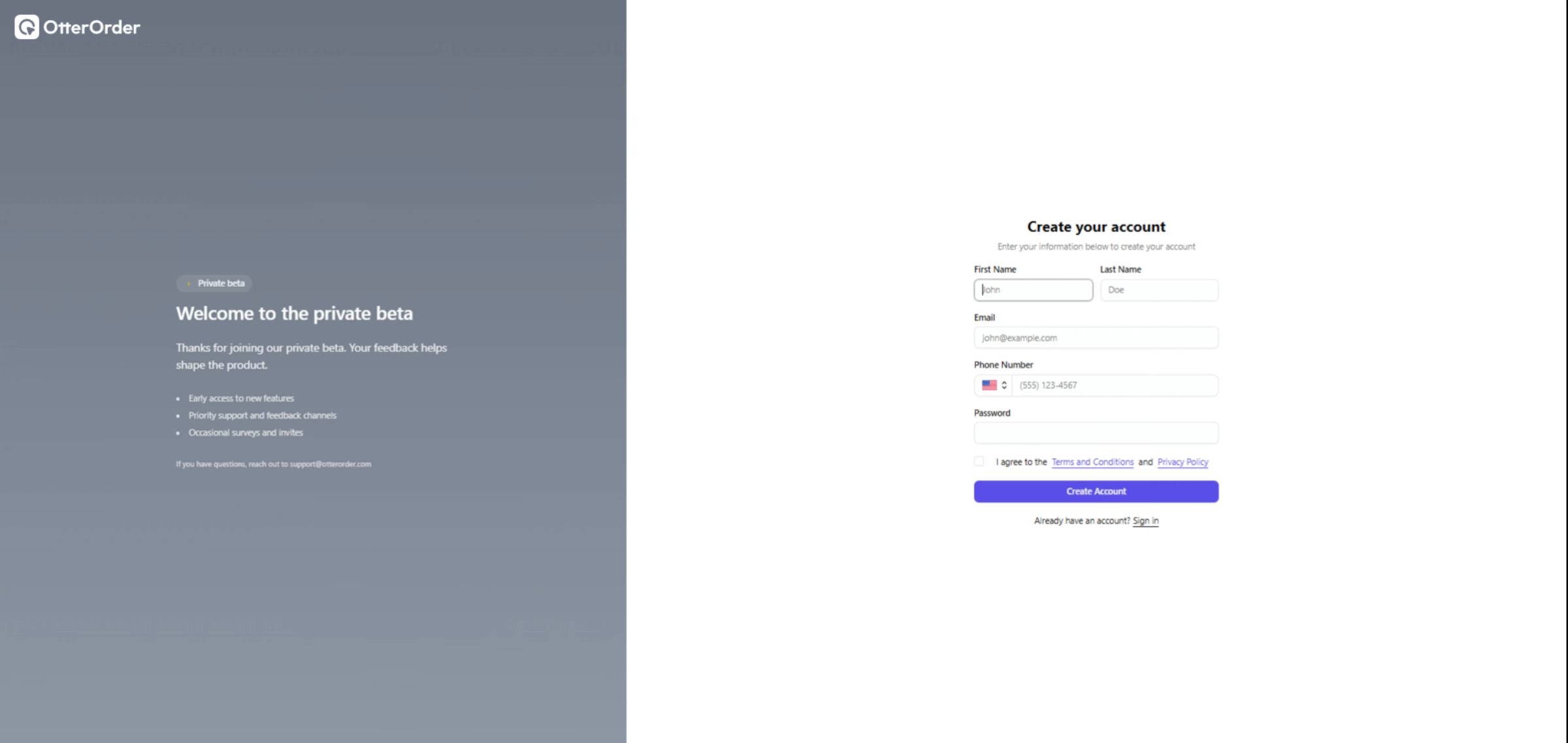
You will be asked to create a OtterOrder business account
- Follow the prompts by providing your name, email,phone number and password to create your business account.
- Review the Terms and Conditions and Privacy Policy to continue creating your account
Creating your business profile
- Enter your business name
- Select your business industry
- Choose the option that best matches your business type so OtterOrder can tailor the setup experience.
- Choose your seating setup
- Configure your basic business settings
-
- Set your business timezone, enter your tax percentage, and choose your service style, such as self-service, table service, or both.
- Complete the setup
Congratulations! You have now successfully signed up to OtterOrder.