This guide explains how to organize your menu using categories. Categories control how products appear on your online menu and allow you to adjust your menu throughout the day.
- Go to OtterOrder dashboard
- Select Catalog ➞ + Categories ➞ Add Category
- Enter Category Name
- Add an image
Add a product to this category
- Select Catalog ➞ + Products➞ Add Product
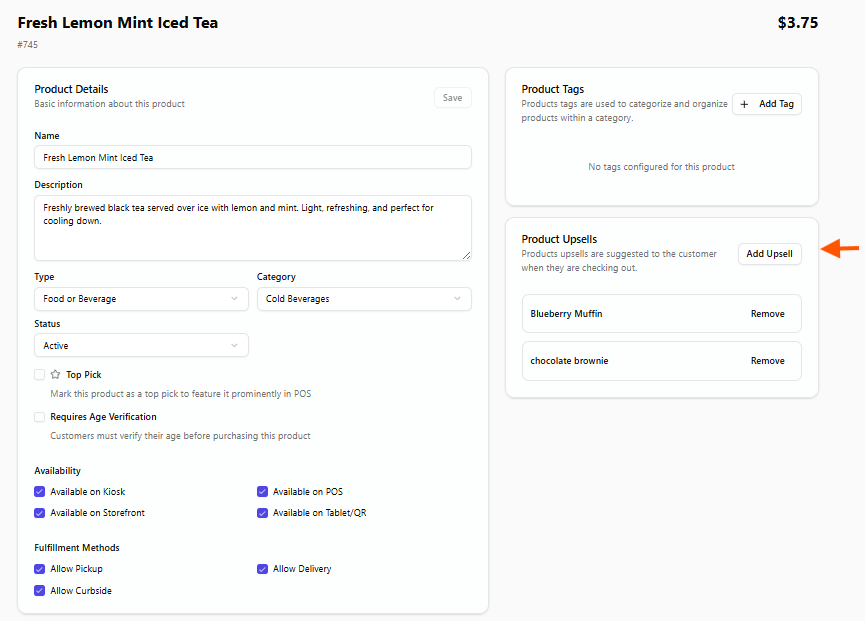
Once your product is created, you can add product upsells to recommend additional items to customers on the checkout page.