
Go to Settings in the left-hand menu, then select Storefront. Scroll down to see the fulfillment options.
Here you can enable Pickup, Delivery, and Curbside Pickup.
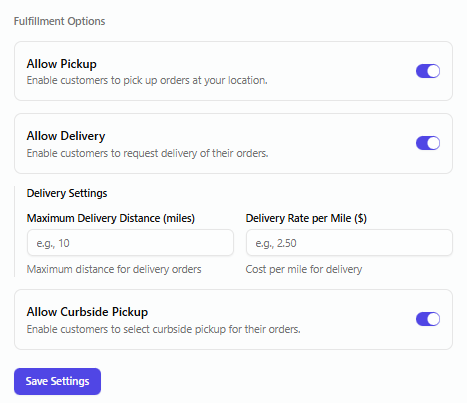
If you turn on Delivery, you will see two additional fields:
- Maximum Delivery Distance – the furthest distance (in miles) you’re willing to deliver to.
- Delivery Rate per Mile – how much you charge per mile for delivery.
Once you set your preferences, click Save Settings.