Guests tap their phone to instantly open your menu — no scanning required.
Order anywhere — lanes, courts, tables, seats, bays, kiosks, or curbside.
Hands-off ordering for high-volume operations.
Online ordering and scheduled pickup without POS headaches.
Your branded website for pickup and delivery orders
Built-in loyalty to keep customers coming back.
Grow sales every week. Automate the rest.
Sell digital gift cards instantly.
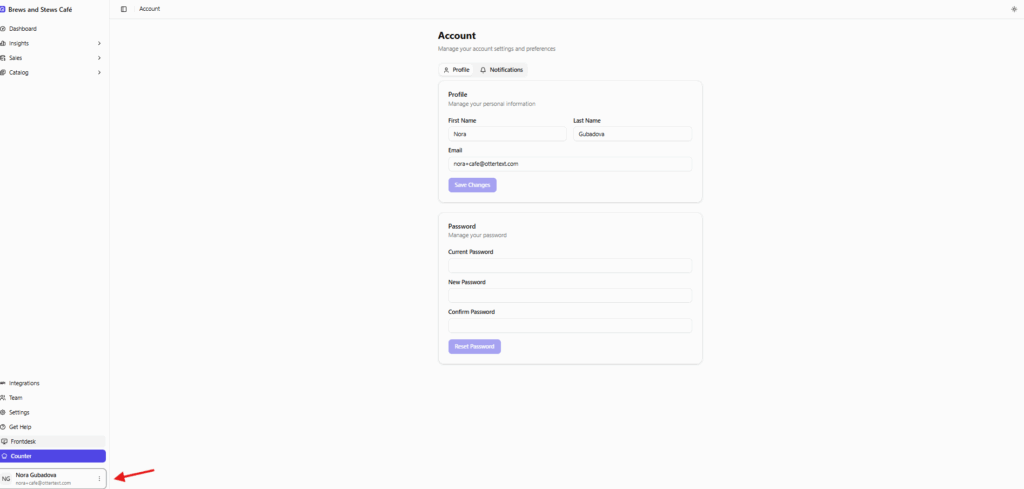
To change your email or password, click your name in the bottom-left corner. Then click the three-dot menu → Account. From there, update your email under Profile or reset your password under Password.