OtterOrder integrates directly with FastBound to streamline firearm compliance, checkout, and customer flow at shooting ranges and retail counters. This integration allows teams to manage ATF compliance in FastBound while completing checkout and add-ons in OtterOrder.
Connecting FastBound to OtterOrder
To connect FastBound to OtterOrder, you’ll need information from your FastBound account.
In FastBound:
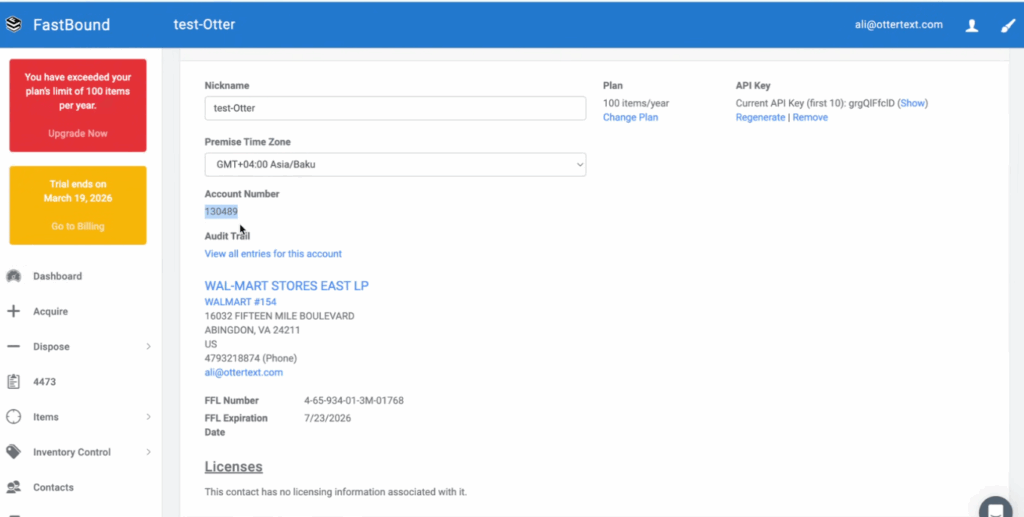
Navigate to Settings
Locate your Account Number
Select Show to reveal your API Key
Copy both values
Use an authorized FastBound user email (this must belong to an approved account holder)
In OtterOrder:
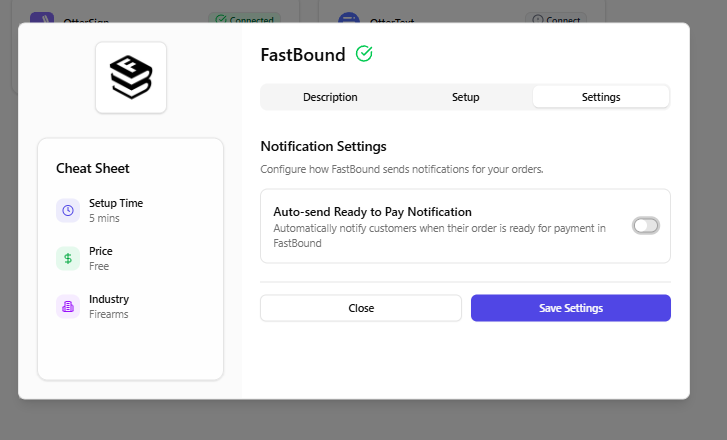
Open Integrations from your dashboard
Select FastBound
Enter your Account Number, API Key, and authorized audit email
Save your settings
Once saved, the integration creates the required webhooks automatically. No additional setup is required in FastBound.
Note: Any system-generated records created during integration should be left as-is.
Syncing firearms from FastBound
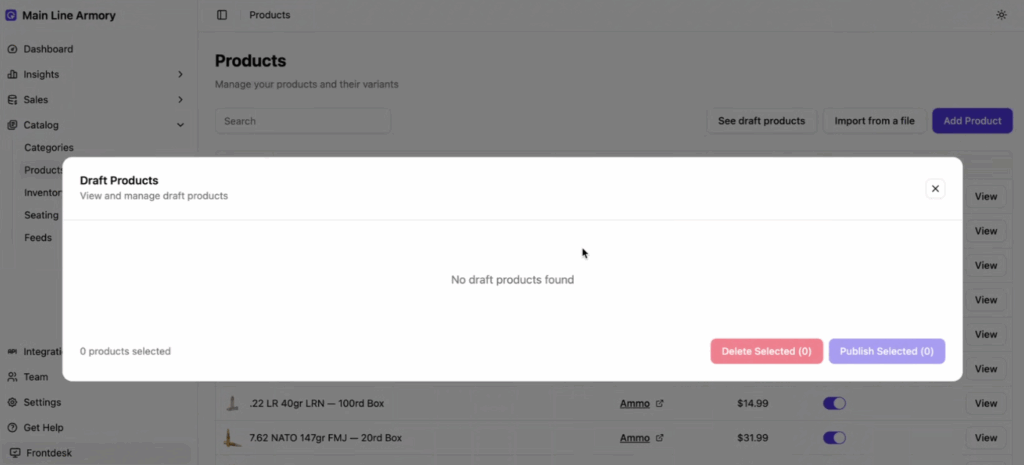
After the integration is complete, OtterOrder will begin detecting firearms from your FastBound inventory.
These items will appear as draft products in OtterOrder. You can choose which firearms to bring into OtterOrder for checkout.
Importing a firearm allows you to set pricing, images, and availability
Firearms that are not imported will remain compliant in FastBound but cannot be sold through OtterOrder
How firearm checkout works with FastBound
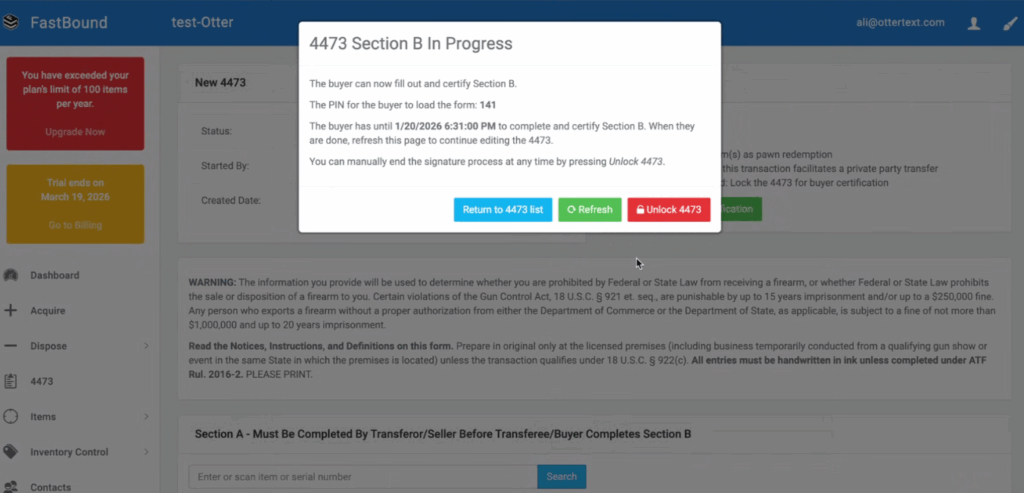
FastBound is used for the compliance portion of the sale, including the 4473 process.
The workflow begins in FastBound:
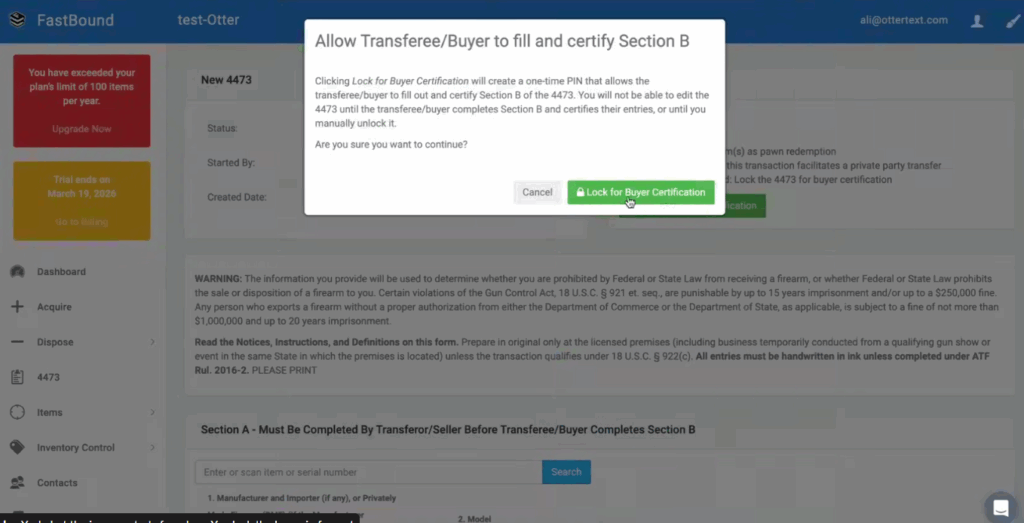
A new 4473 is started
Firearms are added to the 4473
The buyer is locked in for certification
The customer completes their portion of the 4473
Once the 4473 reaches an approved state:
The order is tagged accordingly
The firearm and buyer information becomes available in OtterOrder
Staff can notify the customer to return to the counter. pos.otterorder.com
Checkout is then completed in OtterOrder:
Add the firearm price if it was not set in FastBound
Add accessories or additional items
Collect payment
This approach keeps compliance and checkout clearly separated while maintaining a smooth customer experience.
Managing range access and waivers
OtterOrder works alongside OtterSignto ensure that all guests entering the range have a valid waiver on file.
For range check-in:
Staff can search to confirm whether a waiver already exists
If no waiver is found, guests can complete one on a tablet
A range pass is added to the ticket
Each individual on the ticket must have a waiver attached before access is granted
This applies whether there is one guest or multiple guests on the same ticket.
Why this workflow works
FastBound handles firearm compliance and ATF records
OtterOrder manages checkout, pricing, and add-ons
OtterSign ensures every guest has a valid waiver
Staff get a fast, clear workflow that is easy to demo and easy to train