
Completing your payments setup
As soon as you sign up for OtterOrder, you’ll be prompted to complete your payments setup. This step is required to enable card payments and fast checkout.
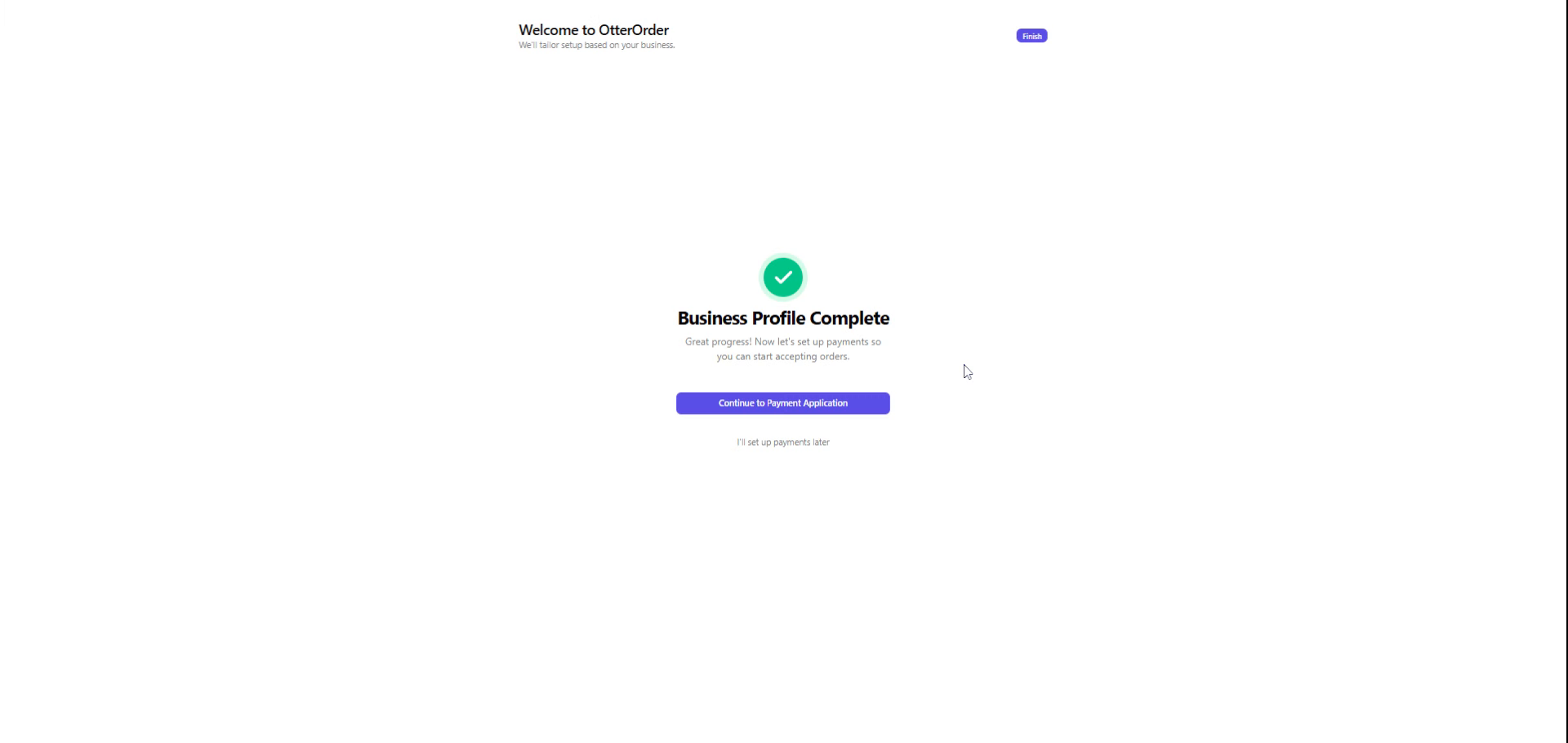
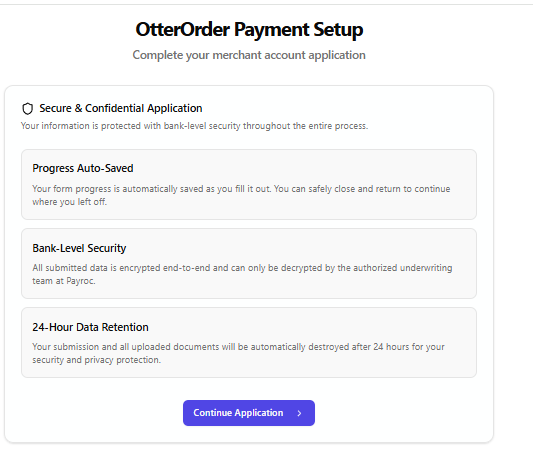
If you skip this during signup, you’ll see a notice in your dashboard indicating that your payment application is not set up. You can resume it at any time by selecting Complete Application.

During setup, you’ll be asked to complete a secure merchant application and agree to the Merchant Processing Agreement. All information is encrypted and reviewed as part of standard underwriting.
Once your application is approved, payments will be fully enabled.
Fast checkout experience

With payments enabled, customers can use Fast Checkout during checkout. This allows them to complete their purchase quickly using:
- Apple Pay
- Google Pay
- Saved payment methods
Fast Checkout reduces friction at the counter, speeds up transactions, and improves the overall customer experience, especially during busy hours.